
Acumatica Backup Best Practices: How to Protect Your ERP Data
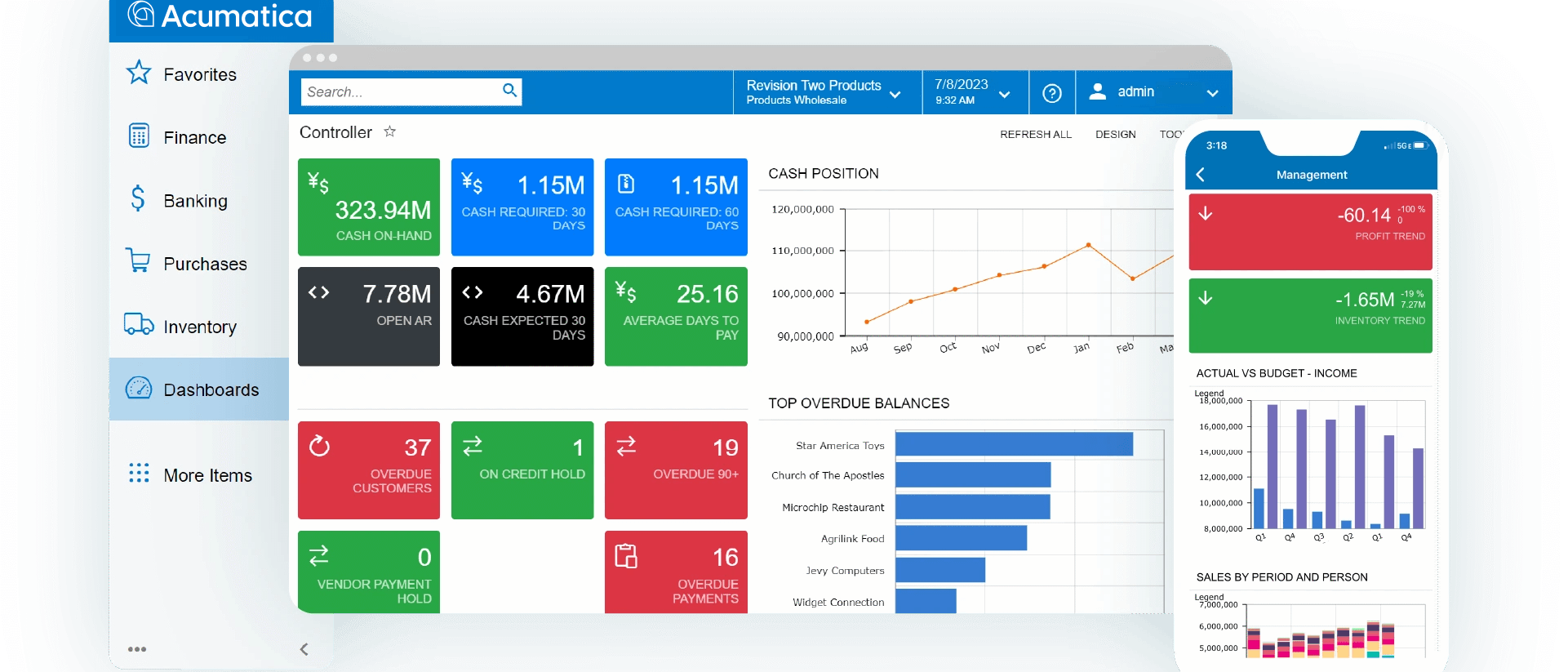
For many organizations, Acumatica is the backbone of daily operations. It manages accounting, inventory, purchasing, manufacturing, project management, customer information, and financial reporting in one centralized platform. Losing access to that data, even for a few hours, can disrupt production, delay customer orders, and impact revenue.
While Acumatica Cloud Edition includes infrastructure redundancy, no ERP system is immune to accidental deletion, ransomware, user error, or improper data retention practices. Every business should have a documented backup and disaster recovery strategy that aligns with its operational needs.
Following proven Acumatica backup best practices helps protect your ERP investment while minimizing downtime when unexpected events occur.
At PivIT Strategy, we help organizations build secure backup and recovery solutions that keep mission critical applications like Acumatica available when they matter most.
Why Acumatica Backups Are Essential
Businesses often assume that because their ERP is cloud based, backups are completely handled by the software provider. While cloud hosting provides significant advantages, organizations are still responsible for protecting their own business data, recovery objectives, and operational continuity.
An effective backup strategy protects against:
- Ransomware attacks
- Accidental record deletion
- Corrupted databases
- Failed software updates
- Hardware failures for self hosted environments
- Natural disasters
- Human error
According to the Cybersecurity and Infrastructure Security Agency, organizations should maintain secure, tested backups as part of an overall cyber resilience strategy.
Understand Your Recovery Objectives
Before implementing any backup solution, determine two key metrics.
Recovery Point Objective (RPO)
RPO defines how much data your business can afford to lose.
For example:
- 15 minutes
- 1 hour
- 4 hours
- 24 hours
If accounting transactions are processed continuously throughout the day, losing several hours of data may not be acceptable.
Recovery Time Objective (RTO)
RTO measures how quickly Acumatica must be restored after an outage.
Ask questions such as:
- How long can production stop?
- Can accounting wait until tomorrow?
- How much downtime affects customer service?
These answers help determine the right backup frequency and infrastructure.
Follow the 3-2-1 Backup Rule
One of the most widely accepted backup strategies is the 3-2-1 rule.
The 3-2-1 approach includes:
- Three copies of your data
- Two different storage media
- One copy stored offsite
For Acumatica, this may include:
- Production database
- Local backup appliance
- Secure cloud backup repository
This approach significantly reduces the risk of total data loss.
Back Up More Than the Database
Many businesses focus only on SQL database backups.
However, Acumatica environments often include additional business critical data such as:
- Attached documents
- Customer files
- Purchase orders
- Vendor documentation
- Financial exports
- Custom reports
- Integration configurations
- API settings
- Workflow customizations
A complete backup strategy should protect every component required for a full recovery.
Automate Your Backup Schedule
Manual backups create unnecessary risk.
Automated backups help ensure consistency while reducing the chance of human error.
Many organizations schedule:
- Hourly transaction backups
- Nightly full backups
- Weekly archive copies
- Monthly long term retention
The correct schedule depends on how frequently your ERP data changes.
Encrypt Backup Data
ERP systems contain highly sensitive business information.
Your backups should always be encrypted:
- During transmission
- While stored
- During replication
Encryption helps protect:
- Payroll information
- Customer records
- Financial statements
- Inventory values
- Vendor information
- Banking details
If backup media is ever lost or stolen, encryption prevents unauthorized access.
Test Your Backups Regularly
One of the biggest mistakes organizations make is assuming backups are working without ever testing them.
A backup is only valuable if it can actually be restored.
Periodic recovery testing should verify:
- Database integrity
- Recovery speed
- Application functionality
- User authentication
- File attachments
- Customizations
- Reporting
Testing also helps identify configuration problems before an emergency occurs.
Protect Against Ransomware
Ransomware continues to target businesses of every size.
Attackers often attempt to encrypt not only production servers but also connected backup systems.
To improve protection:
- Use immutable backups whenever possible.
- Store backup copies offline or in isolated cloud storage.
- Enable multi factor authentication.
- Limit administrative privileges.
- Monitor unusual backup activity.
A layered cybersecurity strategy greatly improves your ability to recover without paying a ransom.
PivIT Strategy’s Cybersecurity Services help organizations combine backup, endpoint protection, monitoring, and incident response into one comprehensive solution.
Monitor Backup Success
Automated backups still require monitoring.
IT teams should receive alerts when:
- Backups fail
- Storage reaches capacity
- Replication stops
- Backup jobs exceed expected duration
- Recovery points fall outside policy
Continuous monitoring reduces the likelihood of discovering problems during an actual disaster.
Our Managed IT Services include proactive monitoring that helps identify issues before they become business interruptions.
Consider Geographic Redundancy
If your backups exist in the same building as your production servers, a fire, flood, or power event could affect both.
Geographic redundancy provides additional resilience by storing backup data in separate locations.
This may include:
- Secondary data centers
- Secure cloud storage
- Regional disaster recovery sites
Multiple backup locations improve availability during regional disasters.
Document Your Disaster Recovery Plan
Technology alone is not enough.
Every organization should maintain written recovery procedures covering:
- Who initiates recovery
- Recovery priorities
- Contact information
- Recovery timelines
- System dependencies
- Communication plans
Documented procedures reduce confusion during high stress situations.
How PivIT Strategy Helps Protect Acumatica Environments
Whether your organization uses Acumatica Cloud Edition or a private infrastructure, PivIT Strategy helps develop backup strategies tailored to your business.
Our team provides:
- Managed backup solutions
- Disaster recovery planning
- Cloud infrastructure management
- Microsoft 365 protection
- Endpoint security
- Network monitoring
- Cybersecurity consulting
- 24/7 IT support
We also help organizations integrate backup planning into broader business continuity strategies so critical operations can resume quickly after unexpected events.
If your business operates in manufacturing, construction, distribution, or professional services, our Industry Solutions and Cloud Services help ensure your technology supports long term growth while minimizing operational risk.
Protect Your ERP Investment
Acumatica is one of the most important systems in your organization. Protecting that investment requires more than simply assuming backups exist.
By following proven Acumatica backup best practices, including automated backups, encryption, routine testing, geographic redundancy, and documented recovery procedures, organizations can significantly reduce downtime and recover with confidence.
If you are unsure whether your current backup strategy is sufficient, PivIT Strategy can assess your environment, identify gaps, and build a recovery solution designed around your business objectives.