
Construction Trailer WiFi Best Practices: A Complete Guide
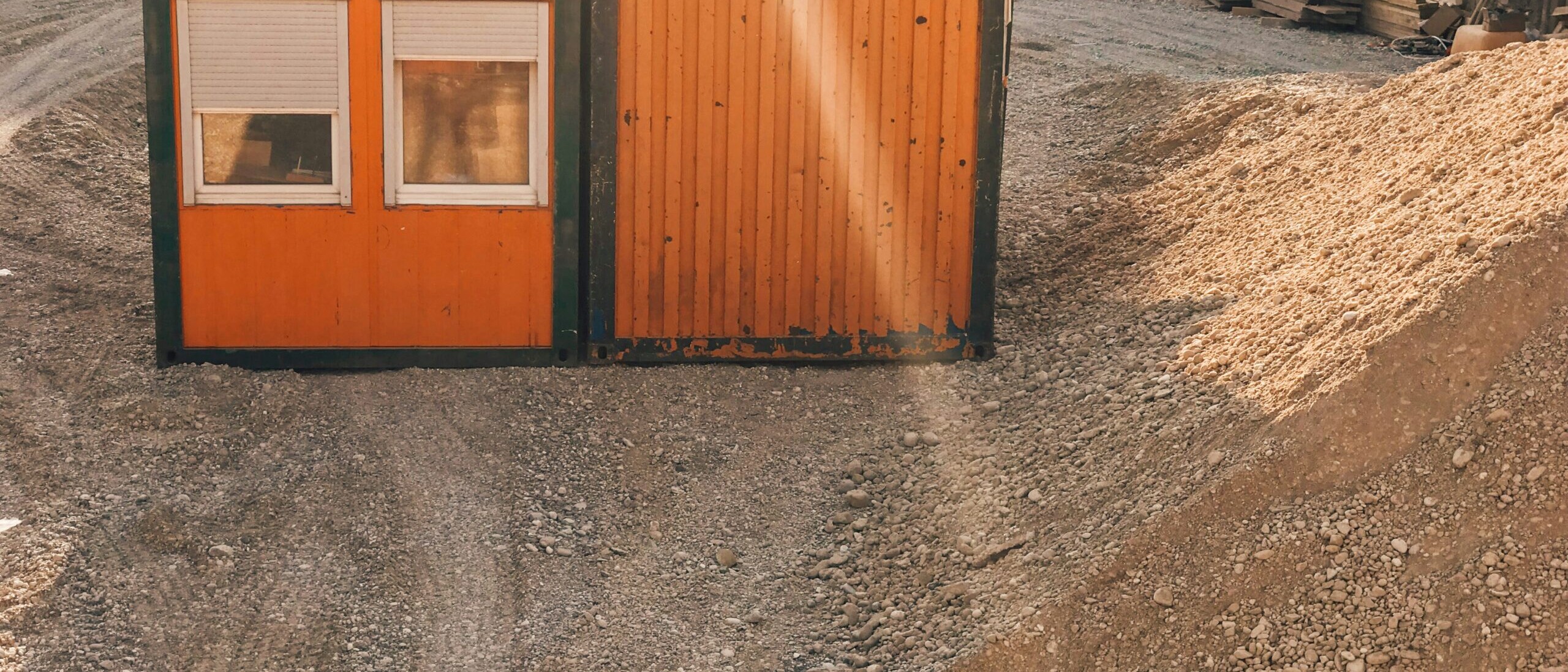
A construction trailer serves as the command center for every project. Project managers coordinate schedules, superintendents review drawings, subcontractors access project management platforms, and office staff process RFIs, submittals, and change orders. Nearly all of these activities depend on a fast, reliable internet connection.
Without dependable connectivity, productivity suffers. Slow internet can delay document uploads, interrupt video meetings, prevent real time collaboration, and increase downtime across the entire jobsite.
Following construction trailer WiFi best practices helps contractors improve communication, strengthen cybersecurity, and keep projects moving efficiently. Whether your project lasts three months or three years, investing in the right network infrastructure can save significant time and reduce costly disruptions.
Why Construction Trailer WiFi Matters
Today’s construction trailers support far more than email.
Teams rely on internet access for:
- Procore and other construction management platforms
- Microsoft 365
- Autodesk Construction Cloud
- Building Information Modeling (BIM)
- Video conferencing
- Digital plan review
- Time tracking
- Payroll systems
- Security cameras
- Connected printers
- IoT sensors
- Mobile devices
As construction becomes increasingly digital, reliable WiFi is now an essential part of jobsite operations.
Construction Trailer WiFi Best Practices
Implementing these construction trailer WiFi best practices can help contractors build secure, dependable networks that support both field and office personnel.
Choose the Right Internet Connection
Every project has different connectivity needs.
Common options include:
Fiber Internet
Ideal for long term projects where fiber service is available. Fiber provides excellent speed, reliability, and low latency.
Business Cable Internet
A strong option for many suburban and urban projects with moderate bandwidth requirements.
5G or LTE Wireless Internet
Perfect for temporary jobsites where wired infrastructure is unavailable.
Satellite Internet
Modern satellite services can provide connectivity for remote construction sites where traditional internet options are limited.
The best solution depends on project duration, available infrastructure, location, and expected internet usage.
Use Business Grade Networking Equipment
Consumer routers are rarely designed for busy construction environments.
Business grade networking equipment offers:
- Better wireless coverage
- Improved reliability
- Higher device capacity
- Centralized management
- Better security features
- Remote troubleshooting capabilities
A commercial firewall combined with enterprise wireless access points provides significantly better performance than standard home networking equipment.
Separate Guest and Business Networks
Construction trailers often host:
- Employees
- Owners
- Architects
- Engineers
- Inspectors
- Vendors
- Subcontractors
Allowing everyone onto the same network creates unnecessary security risks.
Instead, create separate wireless networks for:
- Company devices
- Guest internet access
- Jobsite IoT devices
- Security cameras
The National Security Agency recommends network segmentation as an effective method for improving network security by separating devices and limiting unnecessary access.
Prioritize Critical Applications
Not every internet activity has equal importance.
Quality of Service (QoS) settings allow contractors to prioritize bandwidth for:
- Procore
- Microsoft Teams
- VoIP phone systems
- Video conferencing
- Cloud document storage
- ERP software
This prevents activities like streaming or large personal downloads from slowing down important business applications.
Secure the Wireless Network
Construction companies increasingly become targets for ransomware and business email compromise because they manage financial transactions, project documents, and sensitive client information.
Strong WiFi security should include:
- WPA3 encryption when supported
- Strong administrator passwords
- Multi factor authentication for management platforms
- Regular firmware updates
- Secure router configuration
- Limited administrative access
Plan WiFi Coverage Carefully
Construction trailers are frequently built with metal walls that interfere with wireless signals.
Consider:
- Access point placement
- Trailer layout
- Nearby equipment
- Adjacent offices
- Outdoor workspaces
Large projects may require multiple wireless access points instead of relying on a single router.
Performing a wireless site survey helps identify dead zones before they impact productivity.
Build Redundancy Into the Network
Internet outages can stop project communication almost immediately.
One of the most valuable construction trailer WiFi best practices is implementing internet failover.
Common redundancy options include:
- Fiber with 5G backup
- Cable with LTE backup
- Dual wireless carriers
- Automatic failover routers
If the primary connection fails, internet traffic automatically switches to the backup connection with minimal interruption.
Secure Connected Devices
Construction trailers often connect dozens of devices beyond employee laptops.
Examples include:
- Security cameras
- Smart TVs
- Digital displays
- Wireless printers
- Badge access systems
- Environmental sensors
- Conference room equipment
Each connected device creates another potential entry point for attackers.
Maintain an inventory of all connected devices and remove equipment that is no longer needed.
Monitor Network Performance
Many networking problems develop gradually.
Continuous monitoring allows IT teams to identify:
- Internet outages
- Slow bandwidth
- Hardware failures
- Unauthorized devices
- Security threats
- High network utilization
Proactive monitoring often resolves issues before they affect project schedules.
Support Remote Project Teams
Today’s construction teams rarely remain inside the trailer.
Project managers and superintendents frequently move throughout the site while using:
- Tablets
- Smartphones
- Rugged laptops
- Mobile hotspots
Secure remote access ensures employees can safely access project information without exposing company systems.
Virtual Private Networks (VPNs), secure cloud platforms, and identity management tools all improve remote connectivity.
Prepare for Growth
Many projects expand over time.
The network installed during mobilization may eventually support:
- Additional trailers
- More users
- Security cameras
- Drone operations
- Temporary conference rooms
- Material tracking systems
Choosing scalable networking equipment makes future expansion much easier.
Common Construction Trailer WiFi Mistakes
Many contractors experience connectivity issues because of avoidable mistakes.
These include:
- Using residential networking equipment
- Sharing one WiFi password with everyone
- Never updating router firmware
- Skipping guest networks
- Relying on one internet provider
- Poor wireless coverage planning
- Leaving default administrator passwords unchanged
- Not monitoring network health
Correcting these issues significantly improves reliability and cybersecurity.
How Managed IT Services Improve Jobsite Connectivity
Managing multiple construction trailer networks can quickly become challenging for growing contractors.
A managed IT provider can help by:
- Designing secure trailer networks
- Selecting the best internet provider
- Configuring enterprise WiFi
- Implementing network segmentation
- Monitoring internet performance around the clock
- Managing firewalls and cybersecurity
- Supporting Microsoft 365 and Procore connectivity
- Providing remote troubleshooting
- Managing internet failover solutions
Instead of reacting to connectivity problems, contractors benefit from proactive monitoring and ongoing support throughout the project lifecycle.
Final Thoughts
Reliable internet has become just as important as electricity inside today’s construction trailers. Every phase of a project depends on secure access to cloud platforms, project documentation, communication tools, and connected devices.
Following these construction trailer WiFi best practices helps contractors improve productivity, reduce downtime, strengthen cybersecurity, and support collaboration across every jobsite.
See our Construction IT Services for more information.
As construction technology continues to evolve, investing in dependable networking infrastructure is no longer simply an IT decision. It is an operational investment that keeps projects connected, employees productive, and clients informed from groundbreaking through project completion.